






What You Can Do
We provide a range of essential services to meet your needs. Whether you're at home, at work, or on the go, we make sure that your transactions are hassle-free.
How Does It Work?
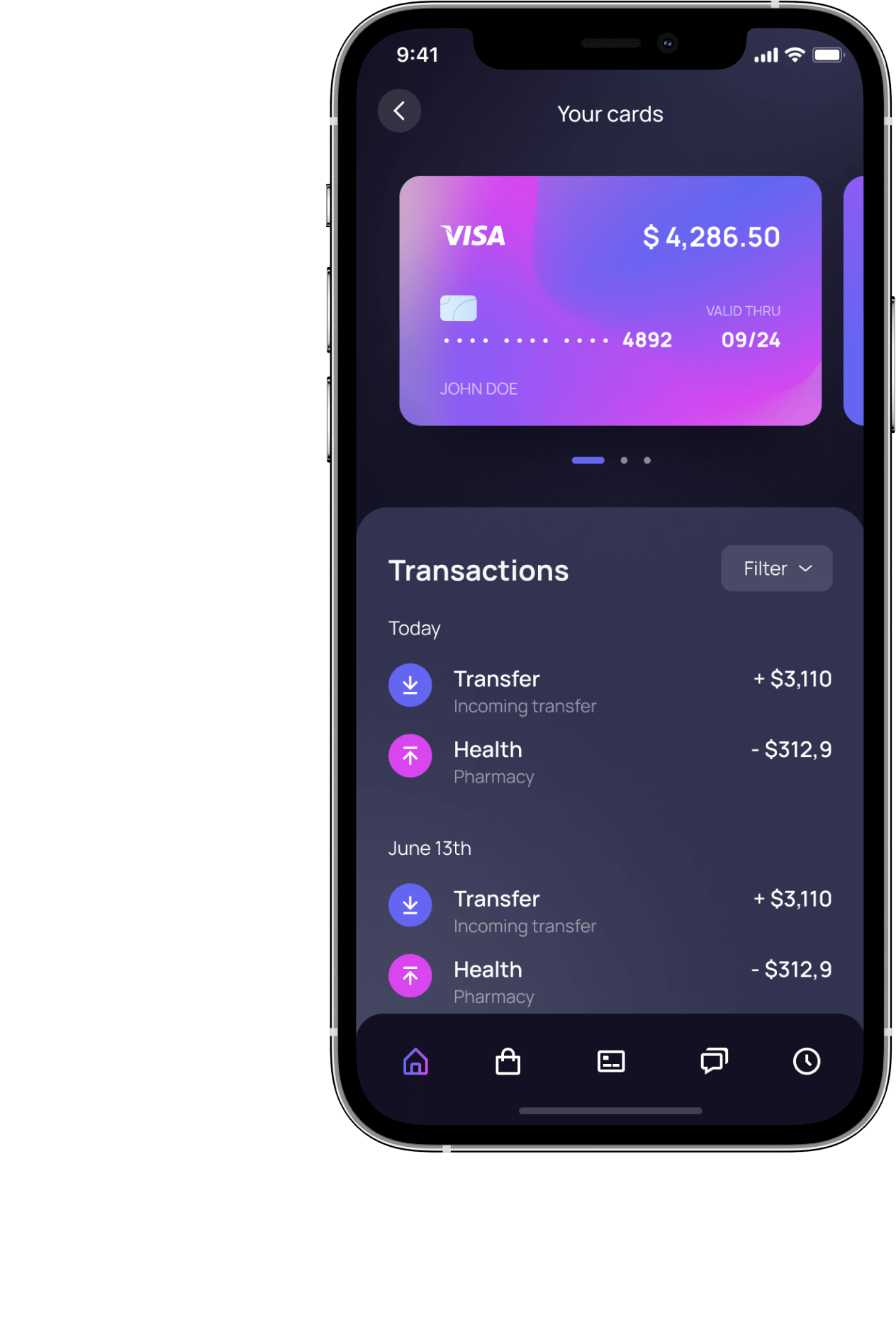
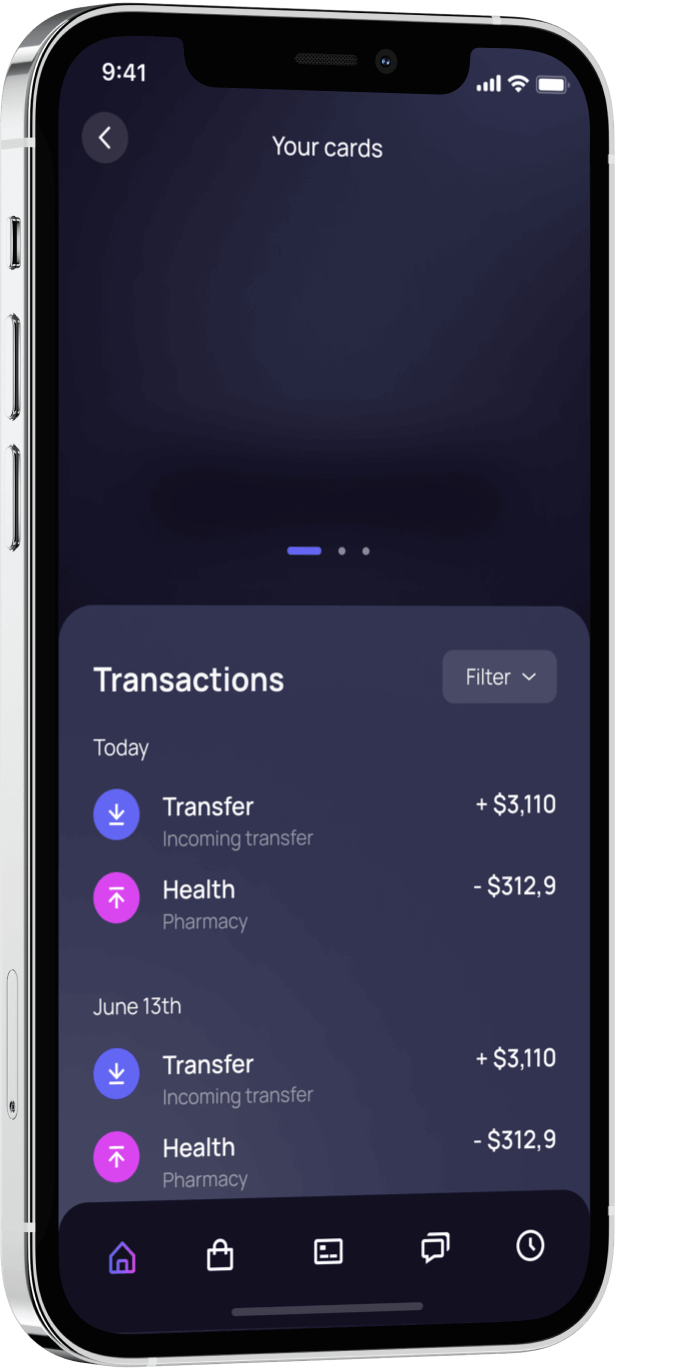
Step 2. Latest transaction history
Enim, et amet praesent pharetra. Mi non ante hendrerit amet sed. Arcu sociis tristique quisque hac in consectetur condimentum.
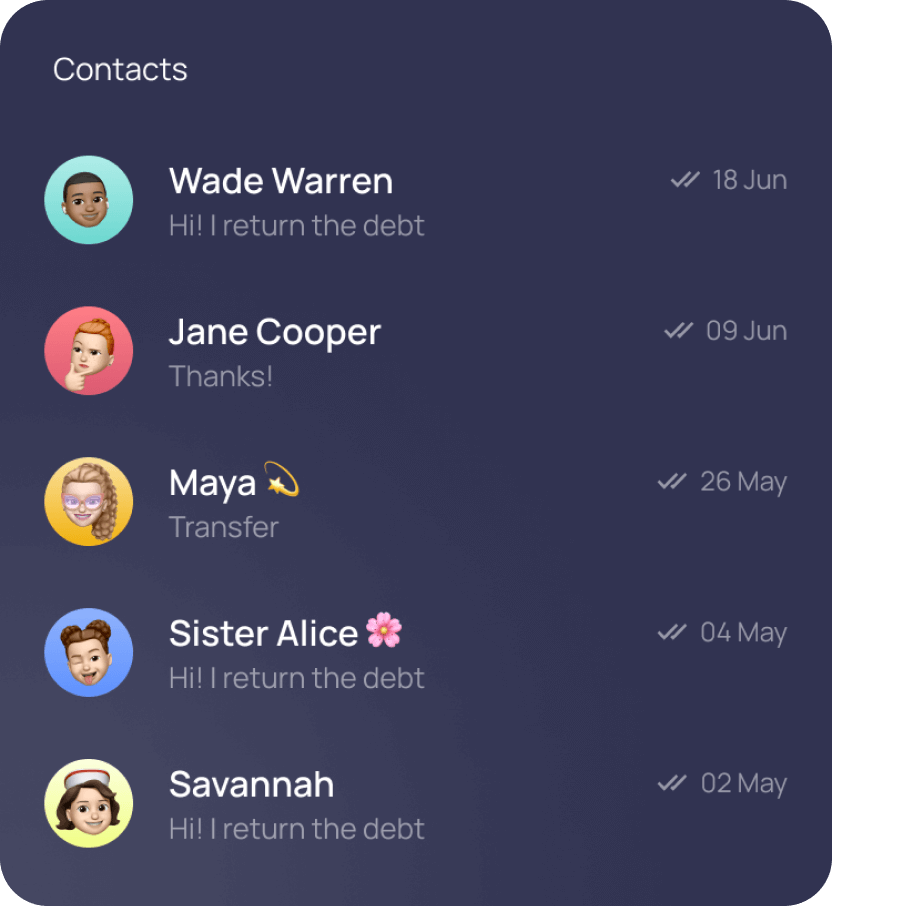
Step 3. Transfers to people from your contact list
Proin volutpat mollis egestas. Nam luctus facilisis ultrices. Pellentesque volutpat ligula est. Mattis fermentum, at nec lacus.
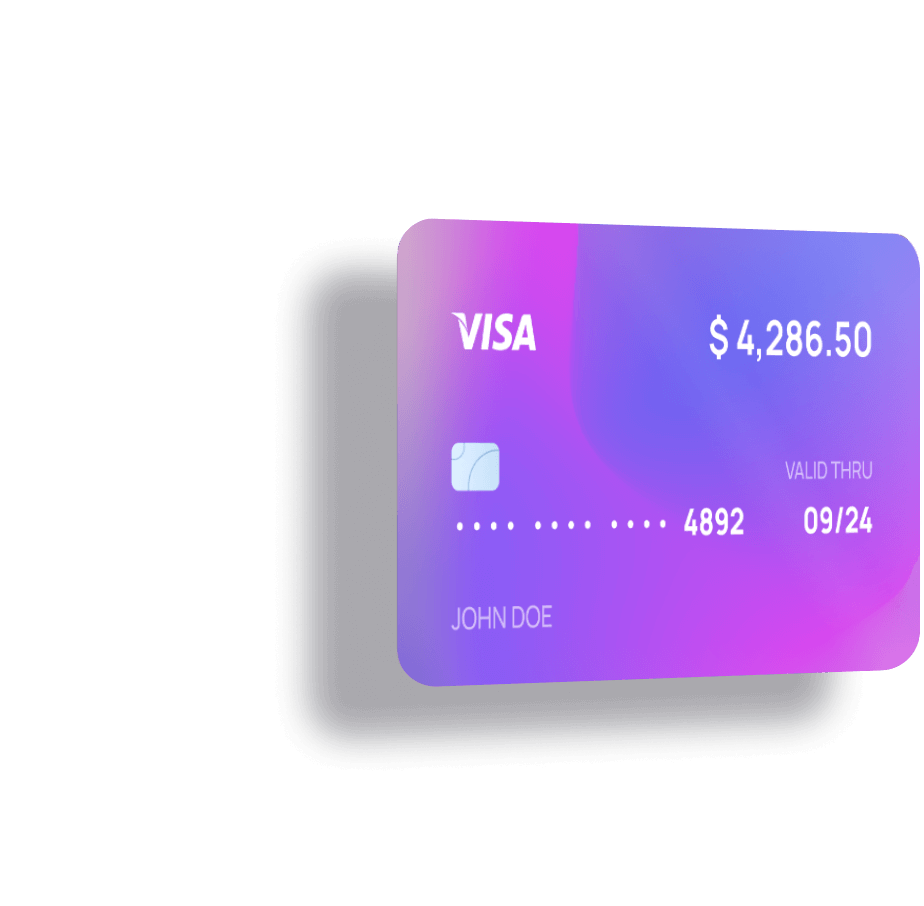
Step 4. Card-to-card transfers
A sed lorem felis, pulvinar pharetra. At tempus, vel sed faucibus amet sit elementum sed erat. Id nunc blandit pharetra facilisis.
Become a super agent
- Earn money when you sell via our platform
- Transactions are free for you
- Manage your payments and transactions
Effortlessly pay bills for friends and family
Fund your wallet your and pay as you go.
Earn commissions and withdraw at any time.
Clients are Loving Our App
Any questions?
Check out the FAQs
Still have unanswered questions and need to get in touch?
Still have questions?
Call usStill have questions?
Chat with usYes. When you register, we store the information needed to create and secure your account—such as your name, email, and password (stored securely), along with a few standard authentication details like verification status and timestamps.
For sessions, the app can also store session data (including optional IP address and user agent) to keep you signed in safely. If you use passkeys, we store the related passkey credentials as well.
You can download your transaction history in CSV (.csv) format. This format is ideal for record keeping and can be opened easily with spreadsheet tools like Excel or Google Sheets.
The CSV includes the key details of each transaction (such as date, channel, reference, amount, and status) so you can review, sort, and export whenever you need.
Nunc duis id aenean gravida tincidunt eu, tempor ullamcorper. Viverra aliquam arcu, viverra et, cursus. Aliquet pretium cursus adipiscing gravida et consequat lobortis arcu velit. Nibh pharetra fermentum duis accumsan lectus non. Massa cursus molestie lorem scelerisque pellentesque. Nisi, enim, arcu purus gravida adipiscing euismod montes, duis egestas. Vehicula eu etiam quam tristique tincidunt suspendisse ut consequat.
Ornare senectus fusce dignissim ut. Integer consequat in eu tortor, faucibus et lacinia posuere. Turpis sit viverra lorem suspendisse lacus aliquam auctor vulputate. Quis egestas aliquam nunc purus lacus, elit leo elit facilisi. Dignissim amet adipiscing massa integer.
Nunc duis id aenean gravida tincidunt eu, tempor ullamcorper. Viverra aliquam arcu, viverra et, cursus. Aliquet pretium cursus adipiscing gravida et consequat lobortis arcu velit. Nibh pharetra fermentum duis accumsan lectus non. Massa cursus molestie lorem scelerisque pellentesque. Nisi, enim, arcu purus gravida adipiscing euismod montes, duis egestas. Vehicula eu etiam quam tristique tincidunt suspendisse ut consequat.
Ornare senectus fusce dignissim ut. Integer consequat in eu tortor, faucibus et lacinia posuere. Turpis sit viverra lorem suspendisse lacus aliquam auctor vulputate. Quis egestas aliquam nunc purus lacus, elit leo elit facilisi. Dignissim amet adipiscing massa integer.
Yes. You can create your own password—just make sure it meets the app’s password requirements.
During registration, the password must be entered and confirmed (matching the “confirm password” field) and pass the default strength rules.
If you forget or lose your password, you can reset it in seconds using the “Forgot password” option on the login page.
Enter the email address you used when signing up, open the password reset link we send you, and set a new password. For security, the reset link is time-limited.